How I built Alhena so the AI only drafts and a parent decides
I built a Spanish-language app that turns a parent’s emails into draft tasks. The choices that mattered: what the AI may do, what it may read, who decides.
- Product
- Alhena
- Sector
- Family task app
- Location
- Online
- Year
- 2026
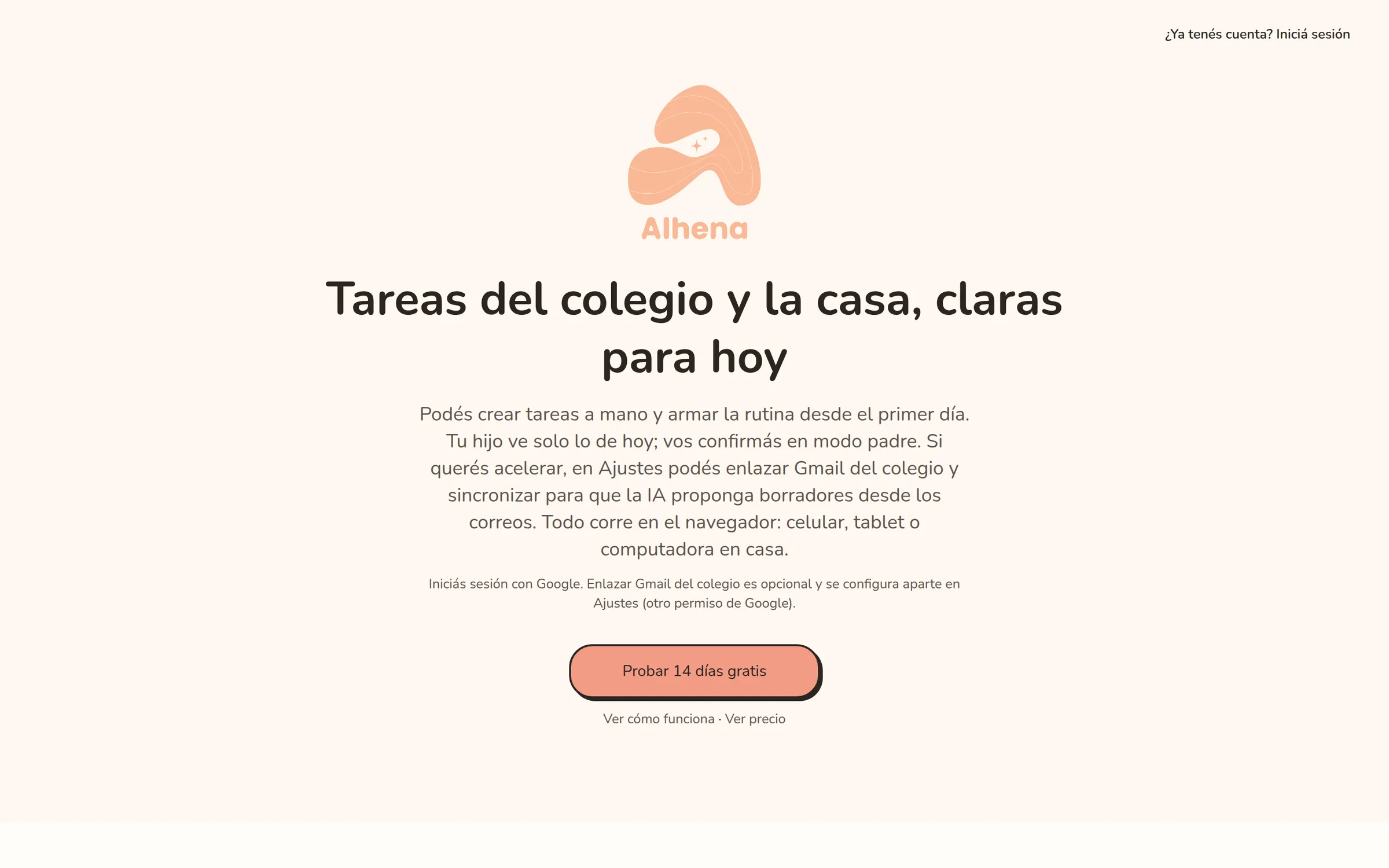
I changed one rule on day one
On 6 April 2026 I committed the Gmail sync at 17:46 and the first AI step at 18:01. That first version wrote the model’s output straight onto the board as tasks.
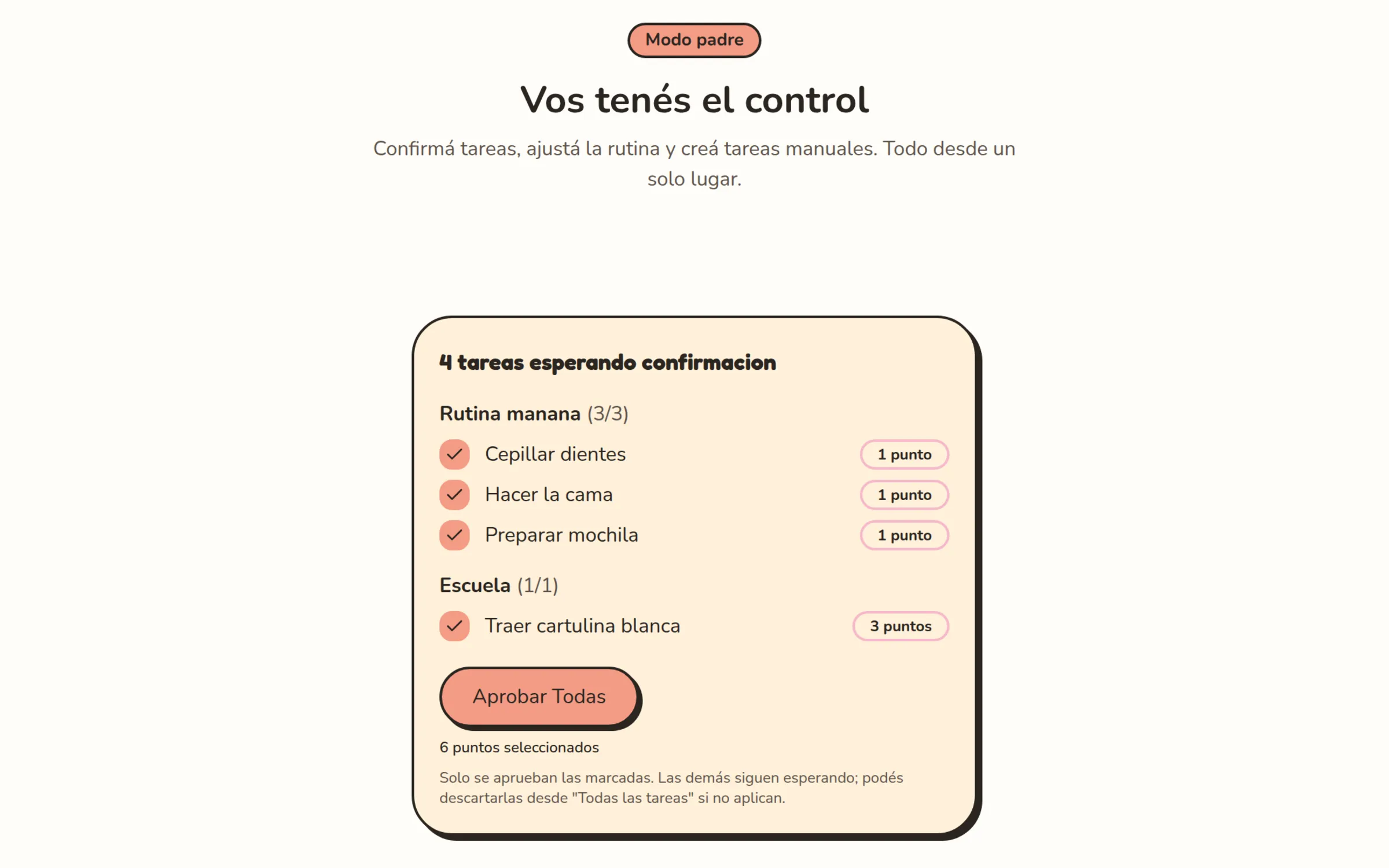
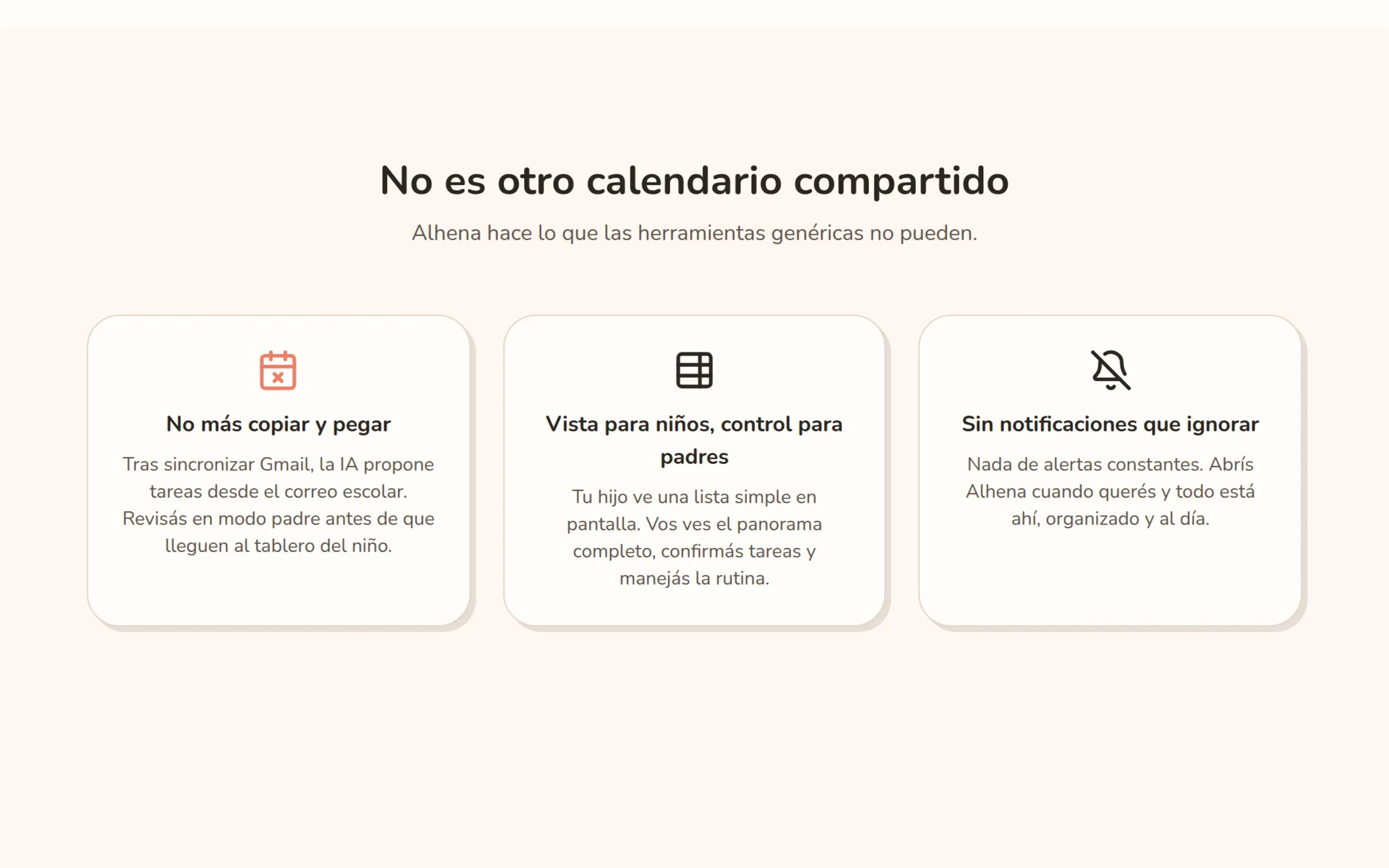
By 20:20 the same evening I had changed it. The commit says it in one line: “intake creates drafts for review instead of auto-creating tasks”. Now only a parent can turn a draft into a task. The cost is one extra step per notice. In exchange, nothing the model reads reaches the board until a person has looked at it.
If you are planning something similar, settle this on day one: who has the last word, the software or a person? That evening it took a drafts table, a review service, three routes and a review queue to make it real.
Taking the smallest slice of an inbox
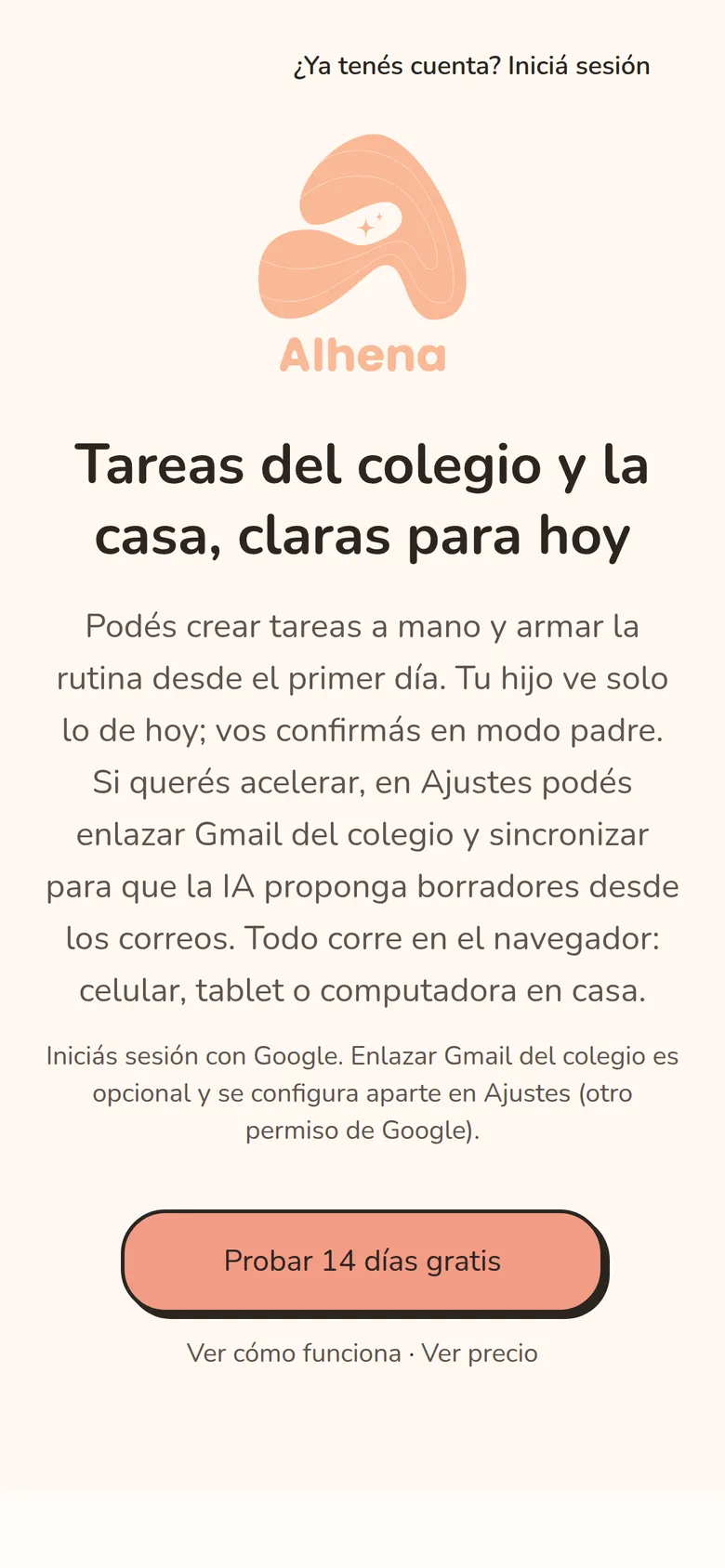
The app asks Google for one Gmail permission, read-only, and only when a parent chooses to connect the inbox, as a step separate from signing in. A permission like this is called a scope: the list of things you let an app do. This one lists reading and nothing else, and the code only calls Gmail’s read endpoints.
Then I narrowed what the app keeps. It follows one sender, which a parent can change in Settings, and mail from anyone else is dropped before it is saved. By default the first sync looks back 15 days, and a parent can pick another window. Later syncs ask Gmail only for what is new. Nothing runs in the background: a parent presses a button.
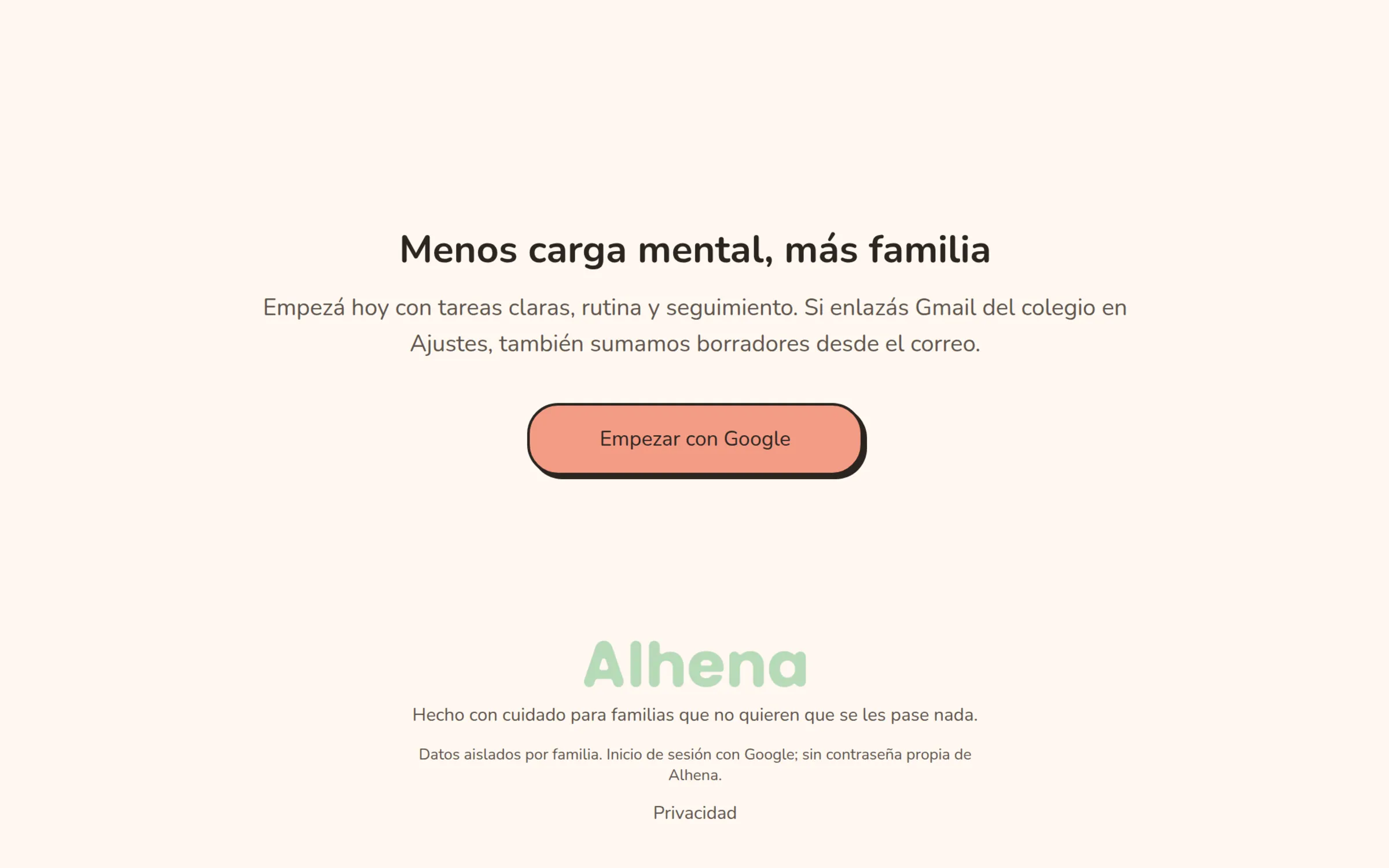
The trade-off is that mail does not arrive by itself. The project rules in the first commit had already ruled out scheduled sync for version one. On 16 April I reworked the landing copy and the parent screens so that Gmail is clearly optional: a family can start with manual tasks and add the inbox later.
Putting limits on the AI
The rules in my first commit already said two things: use structured outputs for email extraction, and never let a model write to the database directly. So I used OpenAI’s gpt-4o-mini with a fixed form instead of free text. That form is called a schema. The API asks the model to follow it, and my code checks the answer against the same schema again before using it.
Two small rules matter more than they look. Links in a draft must come from the original email, so any other link the model returns is thrown away and it cannot invent an address a parent might tap. And every result is stored with the model name and a trace number, so any draft can be traced back to the run that made it.
Dates took many commits. On 8 April, 16 of the 42 commits mention dates, time windows or overdue items. If your product reads dates from free text, budget time for them.
From one household to many families
My first migration created ten tables, and none had a family column. Support for many families landed on 10 April, and it took two steps: a script that moved the existing data into a first family, then a migration that made the family ID mandatory on 14 tables. The order mattered: the migration’s own header says it may run only after the data has been moved.
Today 17 of the 20 tables carry a family ID. What matters more is where that ID comes from. It comes from the signed-in session, not from the request.
If a second customer is even possible, put the customer ID on every table from the first day. I added it on day five, with a backfill script and a careful migration. With other people’s data already inside, that step carries far more risk.
What I left out of version one
The first commit already carried my project rules: no notifications, no scheduled sync, a single Gmail inbox and a light theme only. Limits written down on day one give every “can we also…” a ready answer. For an owner, the list of what you will not build is as useful as the list of what you will.
What version one does have is a set of automatic checks. Every push to the main branch runs the unit tests (at the time of writing 1,321 pass and 5 that need a live database are skipped), a coverage report that reads 67% of lines, and a production build. A script also fails the build if code that talks to Gmail or OpenAI ends up in code that runs in the browser. The project rules keep both on the server.
The end-to-end tests drive a real browser at desktop and iPad sizes. They are meant to run on a developer’s machine and are skipped in the pipeline. That is a known gap.
What I'd tell an owner
- Decide early who has the last word, the software or a person, and build the product around that answer.
- Ask for the smallest permission you can, make it optional, and keep only the data the product needs.
- If you might ever have a second customer, put the customer ID on every table from the first day.
- Write down what version one will not do. Scope arguments become a lookup.
- AI demos are quick. Dates, edge cases and automatic checks need their own time, so plan for them.
Stack
- Next.js
- React
- TypeScript
- Tailwind CSS
- Auth.js
- PostgreSQL
- Drizzle ORM
- Gmail API
- OpenAI API
- Vitest