How I replaced a firm’s WordPress site without losing 52 addresses
What I decided, and why, when an accounting and legal firm in Costa Rica moved from WordPress to a bilingual site built with Next.js.
- Client
- MAV Boutique
- Sector
- Accounting and legal advisory
- Location
- Pérez Zeledón, Costa Rica
- Year
- 2026
Start with the list of old addresses
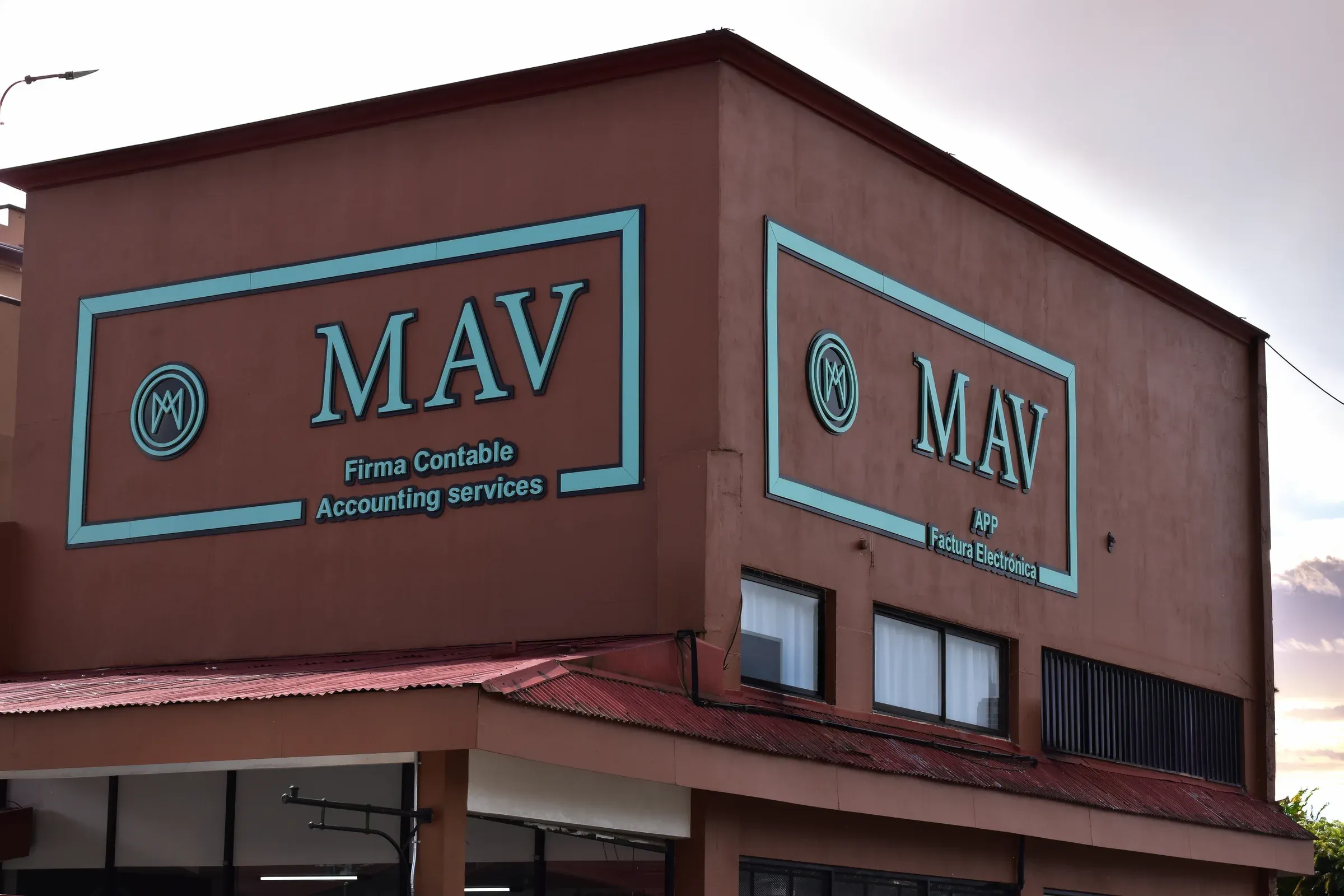
The firm behind this site does accounting, tax and corporate legal work in Pérez Zeledón, and its old website ran on WordPress. The goal was to replace it without breaking anything people already use. So before building the production site, I listed every public page I could find on the old site, with its address.
There were 52. Each one may sit in a bookmark, an email signature or Google’s index. Page by page I decided whether it keeps its address or redirects, which means sending the visitor to the new page automatically. In the end 47 kept the same path and 5 redirect. All 52 were checked against the live site again: every one ends on a working page. Figures in this story are as of 30 October 2026.
My first version was too thin
My first production build, on 25 September, was a home page plus a few thin subpages, with most old addresses redirected into sections of the home. On 26 September I dropped that plan for the other option on the table: every old page keeps its own path on the new site.
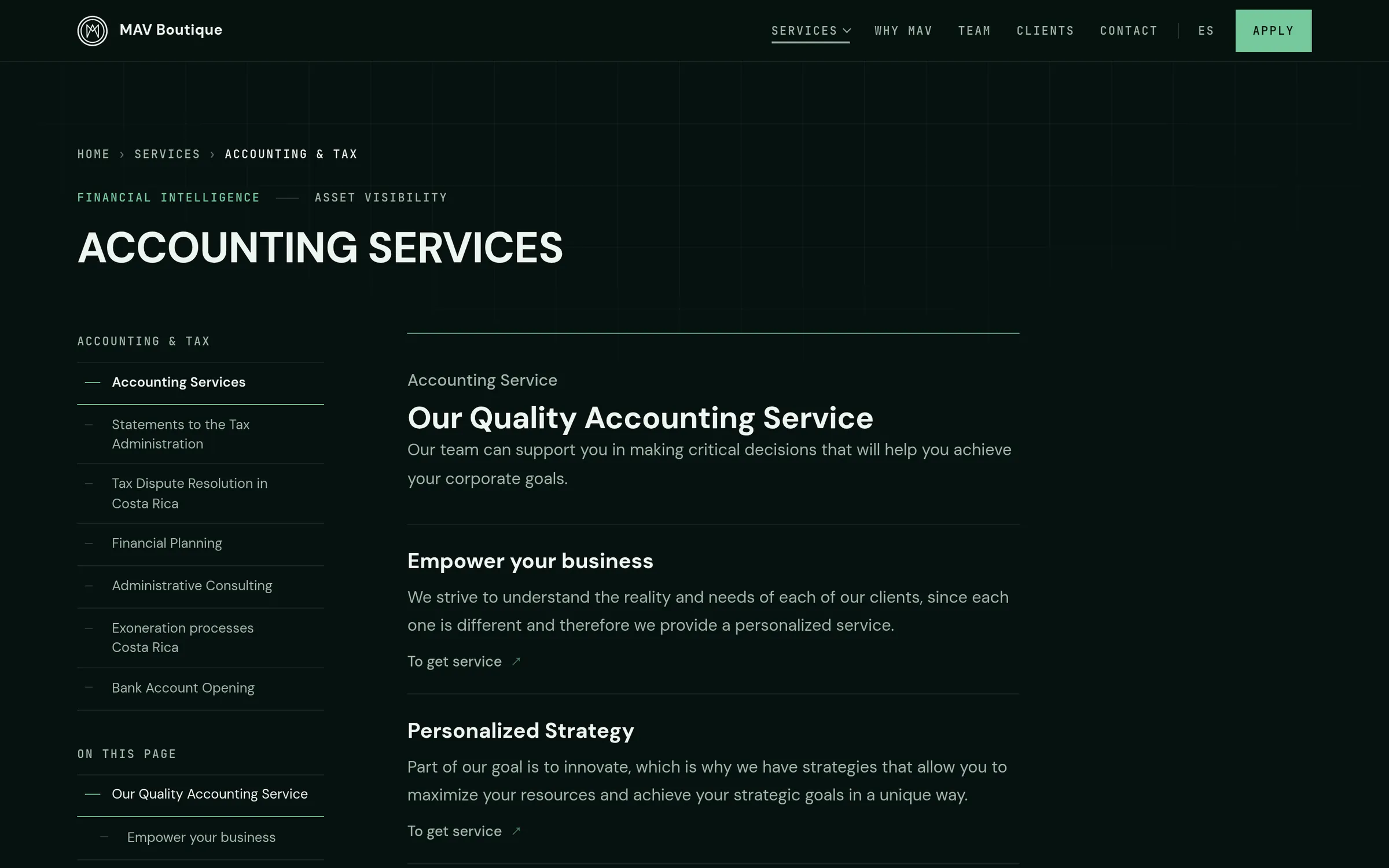
So the project grew into the whole website: 26 Spanish pages and 25 English ones, 47 of them carried over from the old site. Then I compared new with old, page by page. On 45 carried-over pages, at least 95% of the old words are still there, along with every old heading.
Two languages need one more thing. Each paired page tells search engines where its twin lives, using a tag called hreflang. One Spanish landing page has no English twin, so its language switch opens the English home.
Three directions before one site
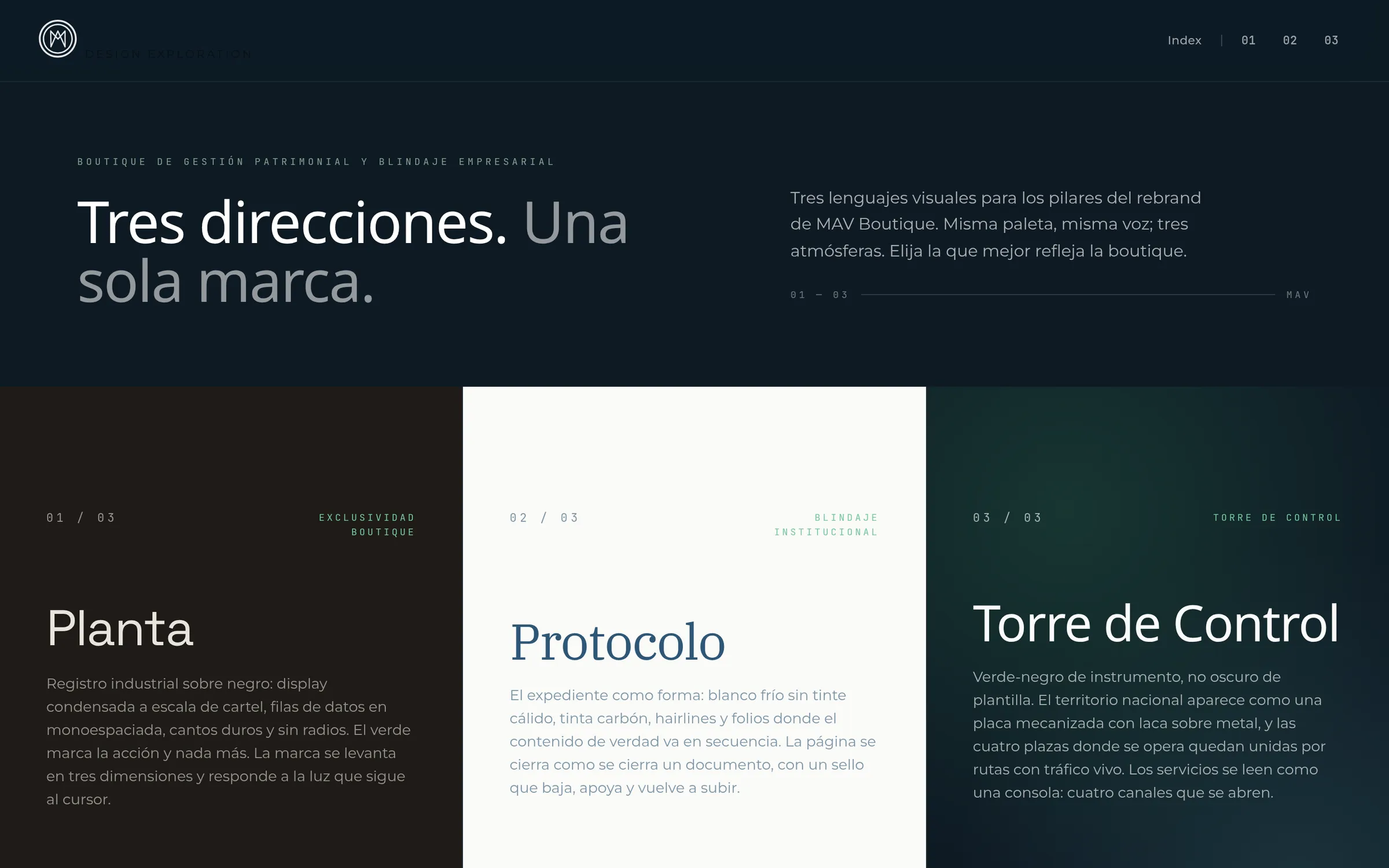
From May to August the project ran as a showroom of three working directions: Planta, an industrial poster; Protocolo, a case file; and Torre de Control, an instrument panel. All three were live pages the owner could open and compare. On 20 August 2026 the owner chose Torre de Control.
The downside is real: two of the three were never used. I still recommend it to a firm whose business is trust, because choosing between finished pages is easier than choosing between pictures.
A hero that phones do not pay for
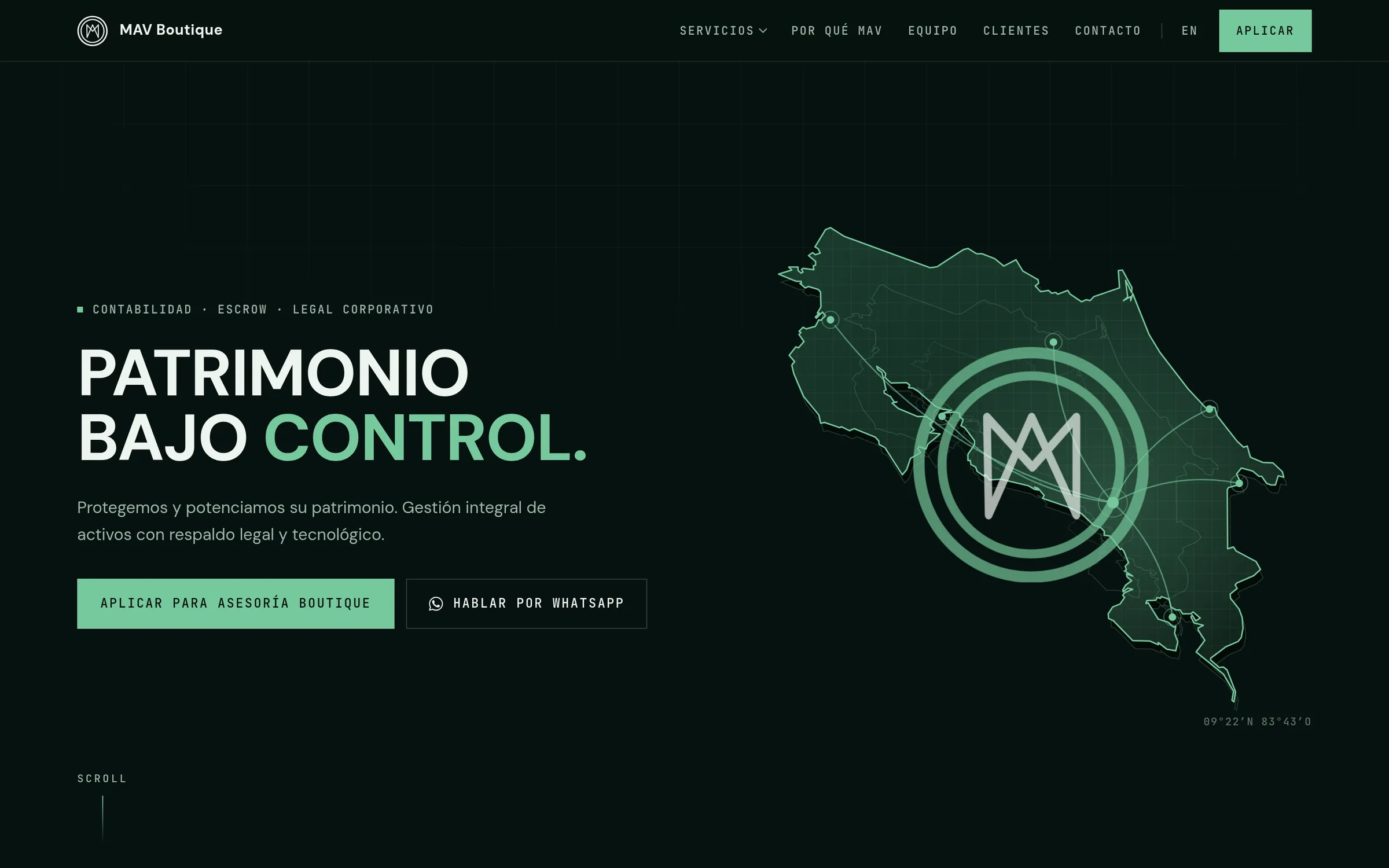
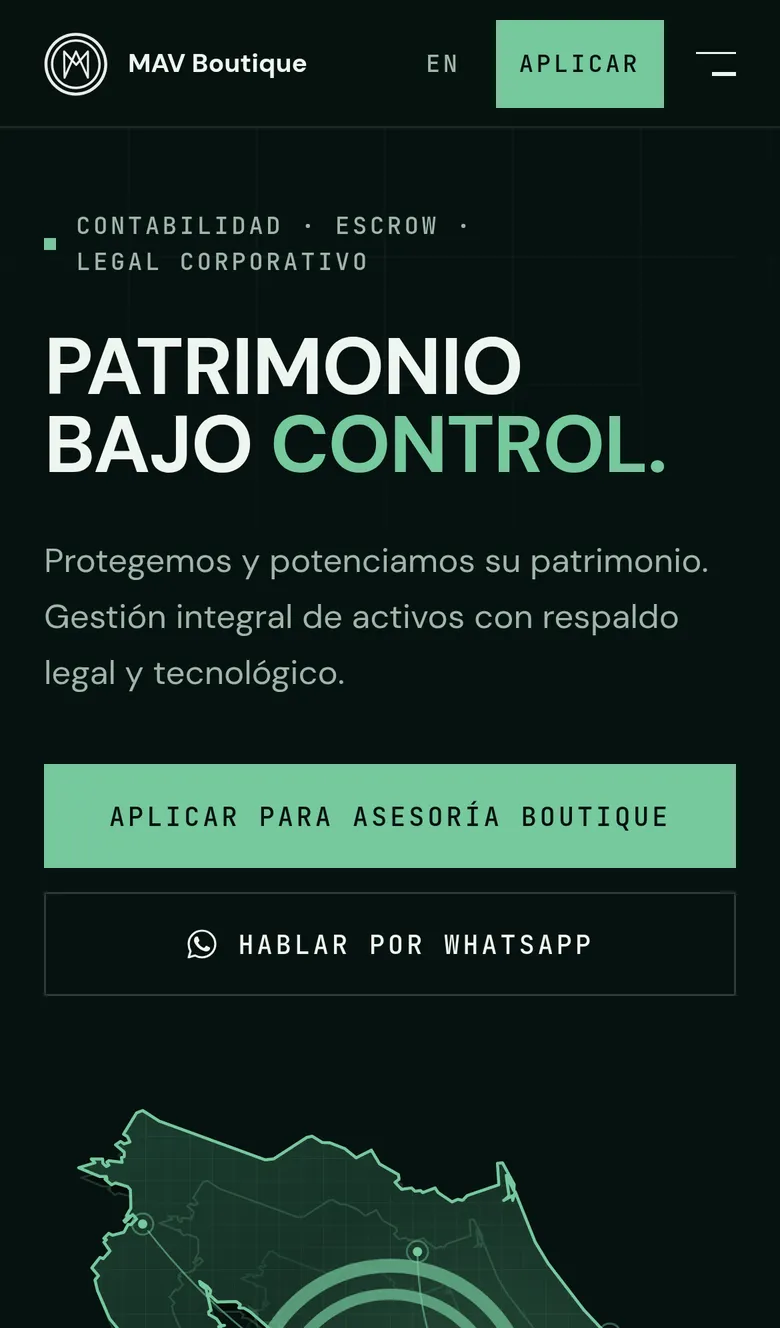
The home page opens on a map of Costa Rica. On a large screen with a mouse, it is a 3D plate, and I limited the 3D version to those screens. On a phone, or when a visitor asks their device for less motion, the page draws a flat version of the map and never loads the 3D library.
Measured on the live site, uncompressed: the site’s own JavaScript (the code the browser downloads to run it) comes to about 700 KB on a phone and about 1.6 MB on a desktop running the 3D plate. Nothing in the scene moves by itself for more than five seconds, the point where the web accessibility guidelines ask for a pause control.
One small detail: the first outline of the country in the code was typed from memory and read as a generic blob. It was replaced with one traced from a licensed vector map, simplified from 801 points to 286.
The form confirms only what was sent
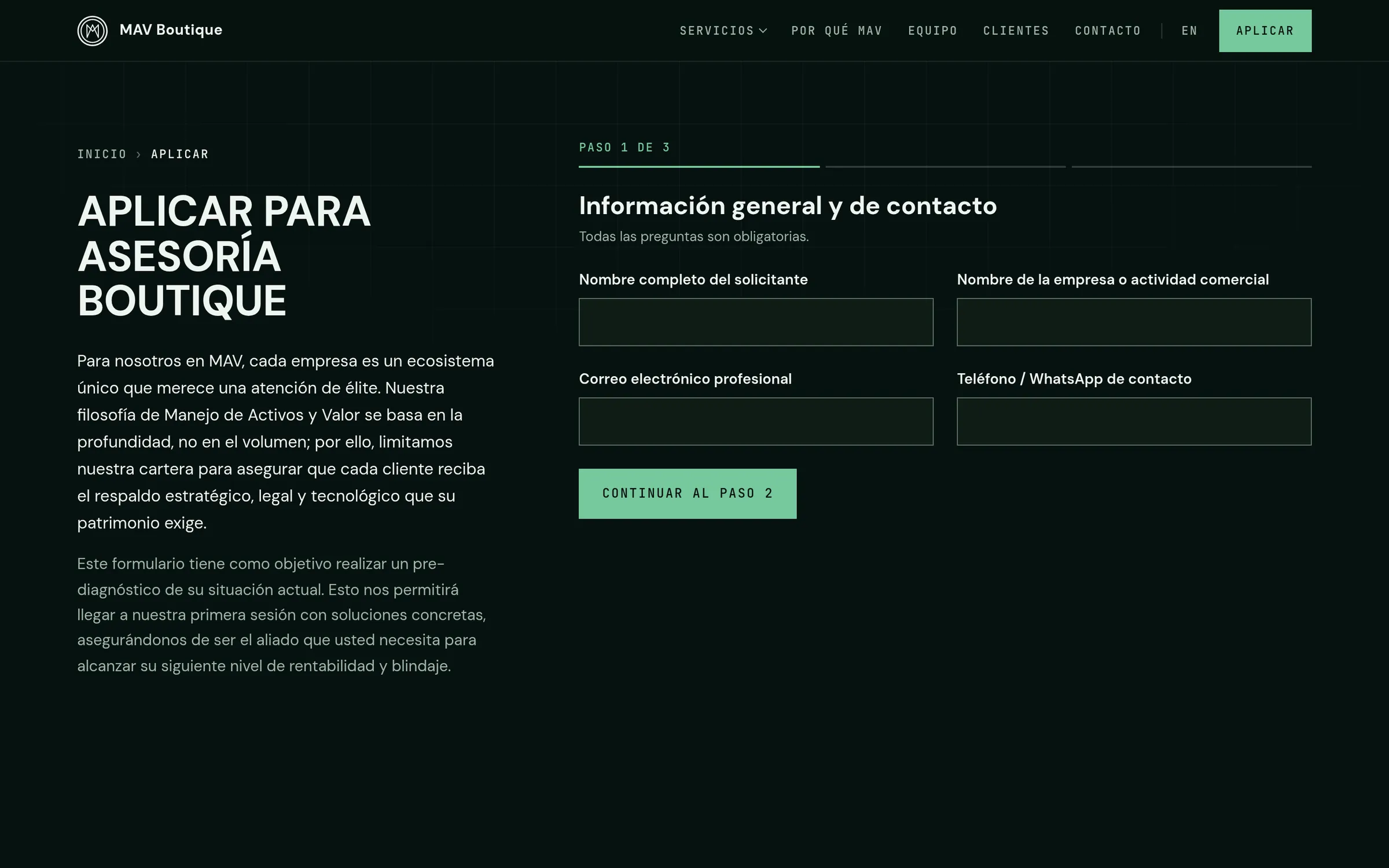
Applying to this firm takes three steps, not a message box. A form that fails silently is the worst case for an owner, because the lost message leaves no trace. So the confirmation screen appears only after the email provider accepts the message. If it does not, the visitor is told so, and every answer stays on screen.
From there they can send the same text by WhatsApp, copy it, download it or email it. The cost is more code and more screens to test. I think one lost application costs more than that.
What the checks show, and what they miss
Run again, three of the project’s checks gave these results. An accessibility scan with axe, an open-source checker, covered all 51 pages at phone and desktop width and found no serious or critical issue. A script that compares the new site with the old one passed 548 checks against the live domain. A third script reads the site’s text and fails on promises, hours, prices or percentages the owner has not confirmed; it came back clean. The 360 unit tests in the repository pass as well.
Automated checks have limits. They catch regressions and common mistakes; they do not replace a person reading each page or the owner approving the wording. The accessibility scan also listed four moderate heading-order notices on two pages.
What I'd tell an owner
- List every old address before designing anything, then decide for each one: keep it, redirect it, or retire it on purpose.
- Ask for three working directions instead of mockups, and accept that two of them will be thrown away.
- A form should confirm a message only after the email service accepts it, and keep the visitor’s answers when it fails.
- Ask what the site loads on a phone. Heavy visuals can be reserved for the screens that can carry them.
- Run accessibility and SEO checks on the live site, not only on a test copy, and read the pages yourself.
Stack
- Next.js
- React
- TypeScript
- Tailwind CSS
- GSAP
- Three.js
- Bun
- Vercel
- Resend